Learn, Manage, Engage, Care, Report
Everything your school runs on, in one platform
From the morning roll to the end-of-term report, the tools teachers, families and school leaders use every day sit together and share one record for each student.
Five groups, one platform
Pick a group to see the real screens, what each is for and who can see it. Every picture comes from our demo school, which uses fictional people.
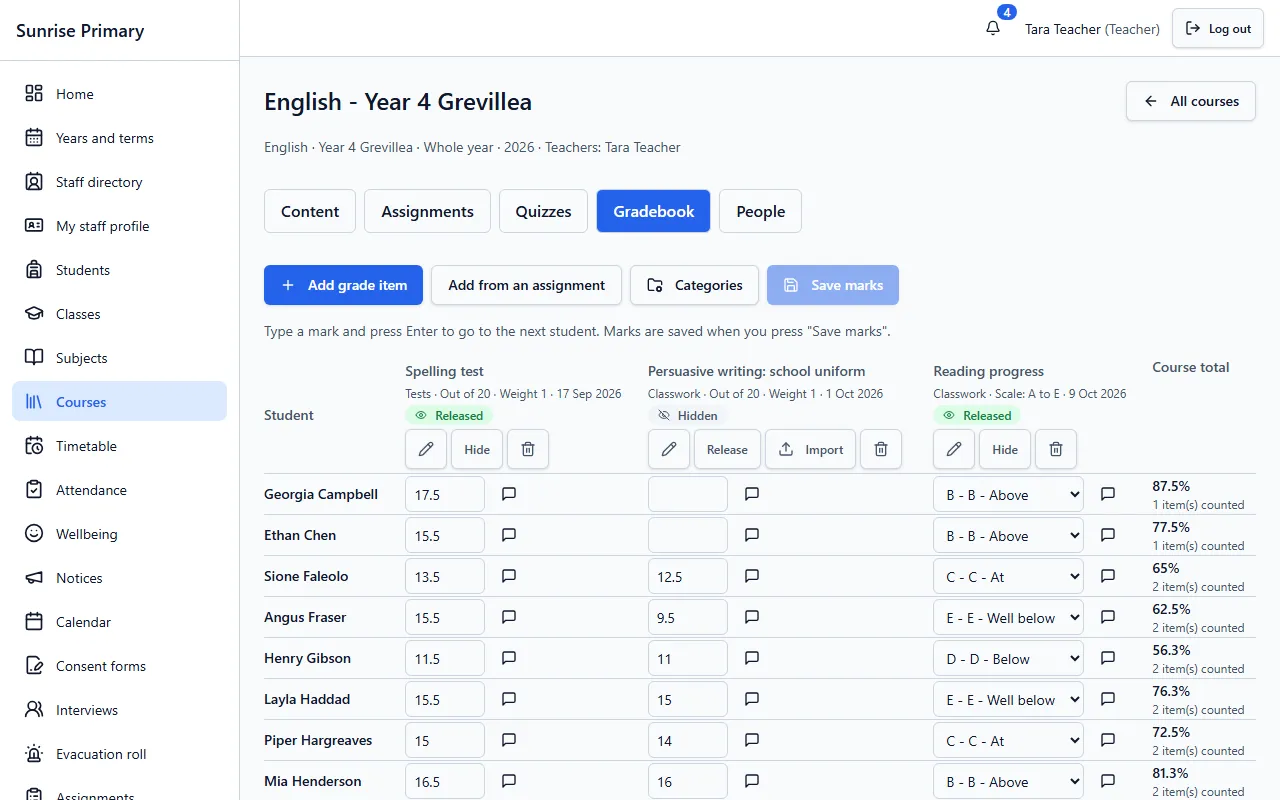
Demo school, fictional data Learn
Classes, gradebook, assignments, quizzes, rubrics, curriculum, learning paths, resources, groups, portfolios, awards and the student My day.
- Classes and subjects
- Gradebook
- Assignments
- Quizzes and question banks
- Rubrics
- Curriculum tracking
- Learning paths
- Resources
- Groups
- Portfolios
- Awards and badges
- Student portal: My day
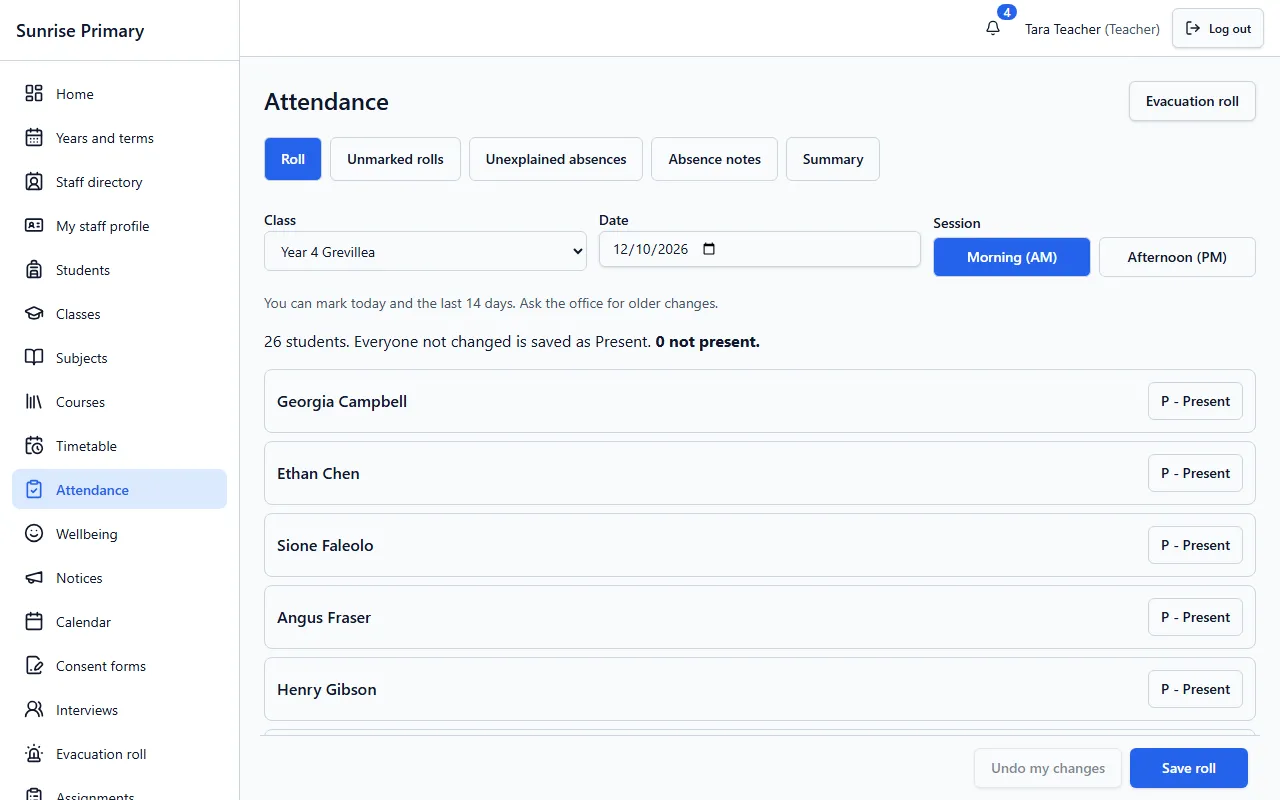
Demo school, fictional data Manage
Attendance, timetable, bulk import, many schools on one platform and Google and Microsoft sign-in.
- Attendance
- Timetable
- Bulk import
- Many schools, one platform
- Google and Microsoft sign-in
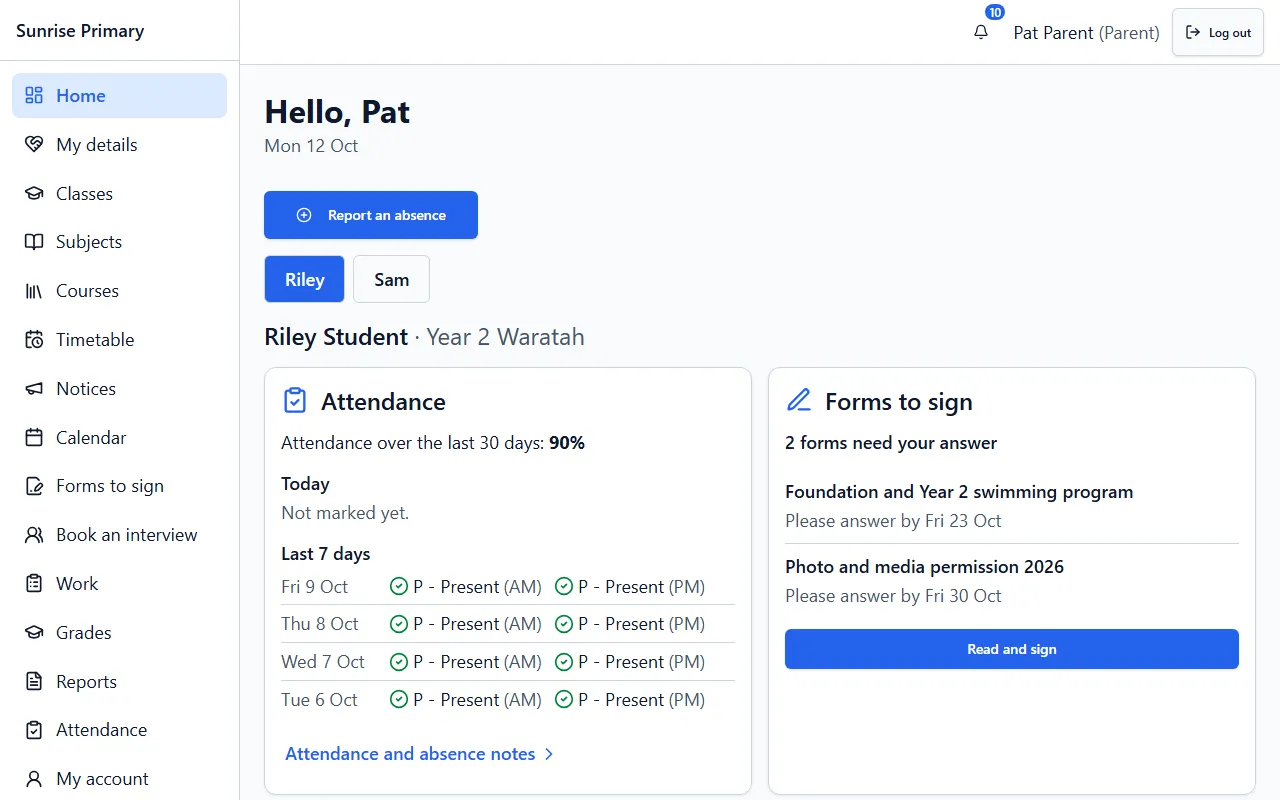
Demo school, fictional data Engage
Parent portal, notices, calendar, messages, consent forms, interview booking, online absence notes and class story.
- Parent portal
- Notices
- School calendar
- Messages
- Consent and excursion forms
- Interview booking
- Absence notes online
- Class story
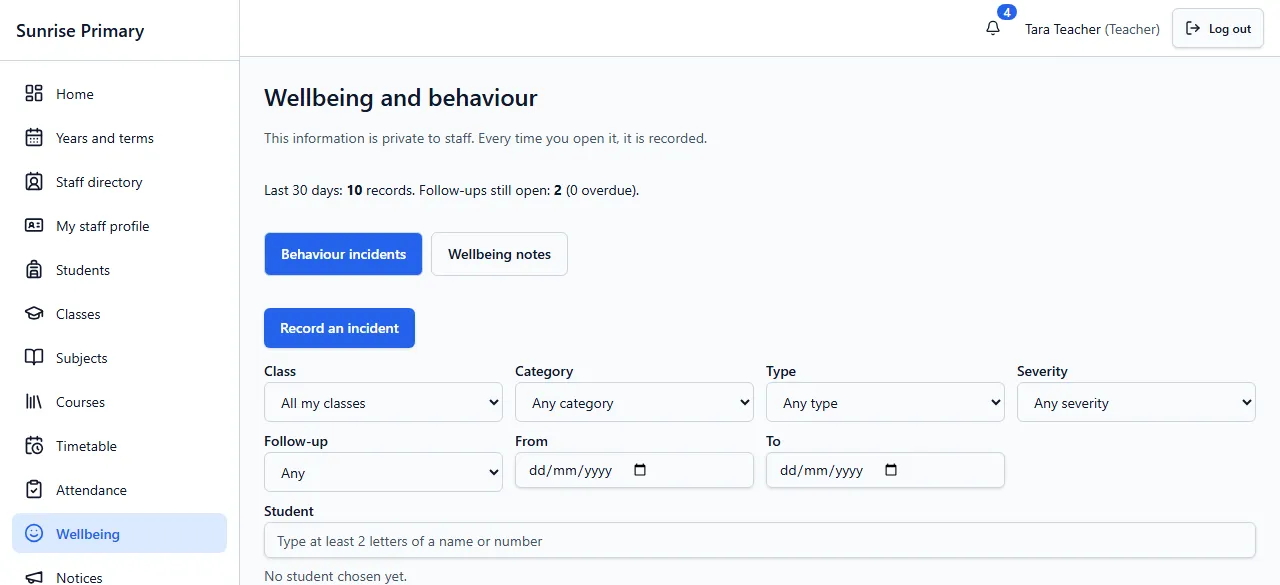
Demo school, fictional data Care
Wellbeing and behaviour, health alerts, roles and access, and an audit log.
- Wellbeing and behaviour
- Health alerts
- Roles and access
- Audit log
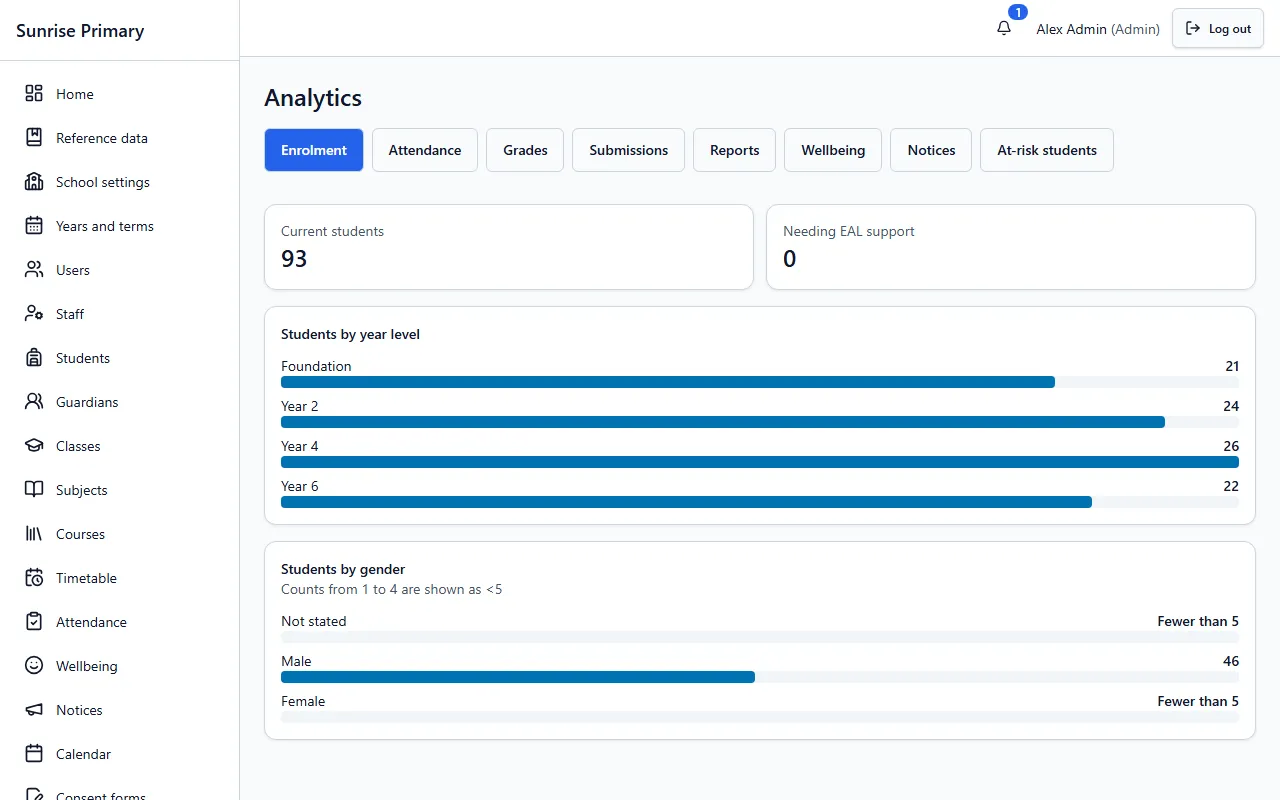
Demo school, fictional data Report
Reports with comments, the report writer and analytics.
- Reports with comments
- Report writer
- Analytics
Every screen on these pages comes from a demo school with fictional people, or is labelled as a sample.
Missing something your school relies on? Tell us. Schools help decide what we build next.
Ready to see it with your school?
Register for a free 30-day trial. No card needed.