Features: Care
Care: look after students and their information
Wellbeing and health information goes only to the staff who need it, and the school can see who has looked at what. The screens below are cropped or limited to layout, so no detailed records appear.
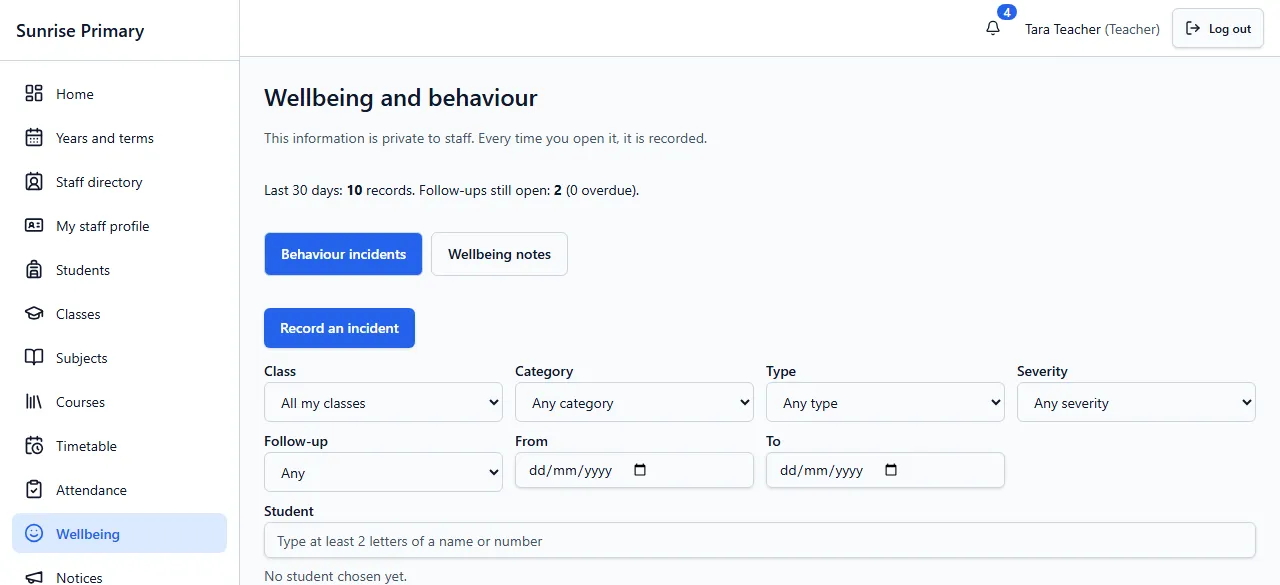
Wellbeing and behaviour
Staff record behaviour incidents and wellbeing notes on separate tabs, filter them by class, category, severity, follow-up and date, and see how many follow-ups are still open. The screen states that this information is private to staff and that opening it is recorded. This view is cropped to the headings and filters.
Who can see itStaff only, depending on their role. It is not shown to students or families, and each time it is opened it is recorded.
Health alerts
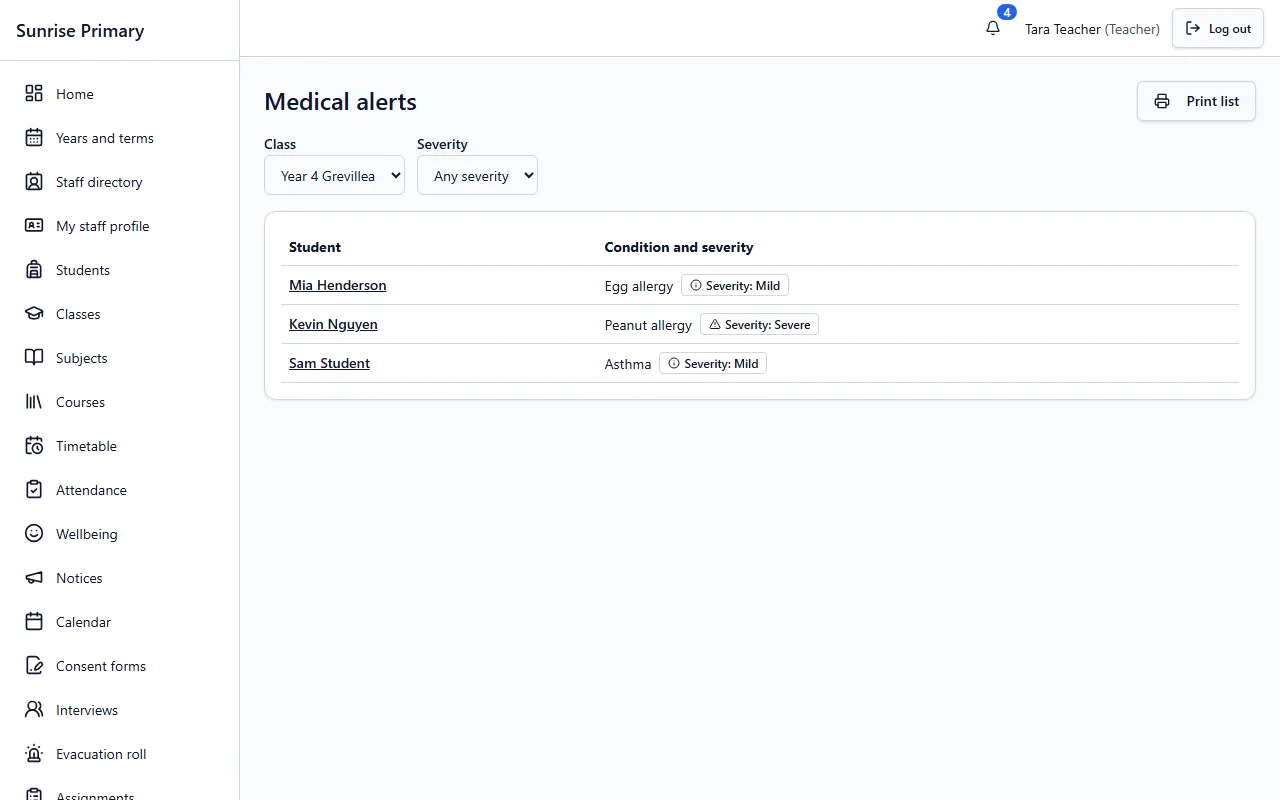
Staff see a list of medical alerts for a class, with the condition and its severity shown in words and an icon, never by colour alone. A student’s name opens their record, and the list can be printed. The entries here are generic and fictional.
Who can see itStaff who need it, such as teachers for their own classes.
Roles and access
Every person has a role, such as administrator, teacher, aide, parent or student, and the role decides what they can open. Families and students see only their own or their linked records.
Who can see itEveryone, according to their role.
Audit log
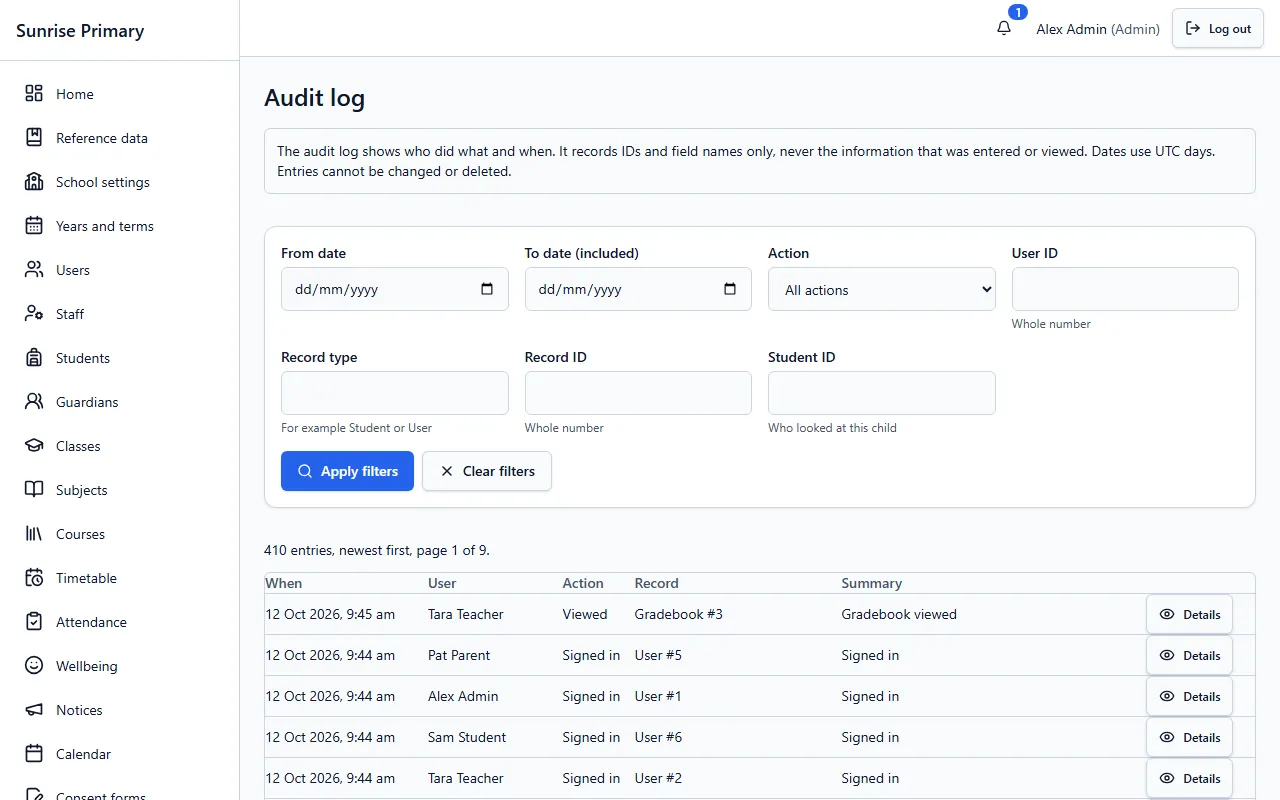
The audit log shows who signed in, who viewed or changed a record and when, and can be filtered by date, action, user and record. It records IDs and field names only, never the information entered or viewed, and entries cannot be changed or deleted.
Who can see itSchool administrators.
Other feature groups
Every screen on these pages comes from a demo school with fictional people, or is labelled as a sample.
Ready to see it with your school?
Register for a free 30-day trial. No card needed.